
When a family moves to an area the very first school search usually takes place on a phone. Parents type a school query look at the map results and decide quickly which schools to visit. For schools, the first impression often happens through the Google Business Profile. The tips in this article are for school administrators and marketers. Parents can use them to identify reliable school listings.
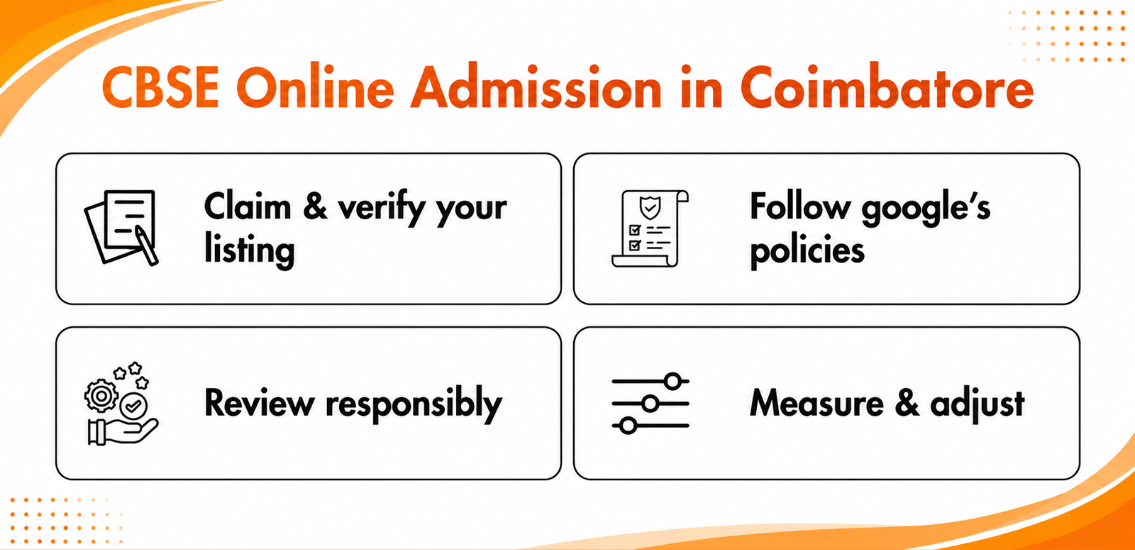
Claim and Verify Your Listing
First and foremost, check whether your school’s Business Profile is claimed and verified through Google. An unverified business profile can be edited by others, and can result in an incorrect phone number or address. Make sure your school’s name on the sign board and website matches the name on the school’s business profile.
Keep Your Contact Information Up-to-Date Consistent
Make sure the name of your school is the same the address is the same. The phone number is the same, in every place where your school appears. If the contact information differs on your business profile your website or your social pages people may lose trust in you. CBSE online admission in Coimbatore Share your hours, and be sure to change them if they do, in fact, change.
Choose Your Categories and Services Carefully
Your primary category should be your school’s main business category. Only use secondary categories if it really applies to your school. The description box is a great place to get into the detail of your school’s programs and services.
Follow Google’s Policies
Avoid false or misleading information about the school, as it is against Google’s policies and can result in your school’s business listing to be removed.
Be Purposeful With Your Photos and Posts
Adding the right pictures and posts to your school’s page can help showcase your school and give parents the right information to help them decide to join your school. Add recent pictures of your classrooms, labs, playgrounds, entrances, and more. Be sure to add short and sweet posts to your admissions page to give parents information on your school activities and to remove posts to give parents the most recent information.
Review Responsibly
Parents looking to give feedback about your school will typically post an honest review. However, always keep in mind that reviews can positively or negatively affect your school’s ranking, and respond to every review in a calm manner. While it’s always good to get five star reviews, people are usually more trusting of reviews with critical comments and a good response from your school.
Answer Parent Questions
When given the opportunity to talk with parents, whether it be through questions posted to your school’s page, or messages, always be brief, to the point, and polite. Remember that if you don’t answer questions fast or if you share information it will create a feeling about your school, for parents who are checking.
Measure and Adjust
Insights shows how people reached your profile and what the next steps are, such, as whether they called or asked for directions. Look this over monthly to see which photos or posts draw the most attention. Once you adjust, work to maintain your page the right way, as local visibility increases with consistent upkeep.
Final Thoughts
A complete and correct profile saves families time and builds early trust. No matter if you manage a school listing or are just comparing options as a parent, you know the difference consistent details, and honest photos make. The same goes for courteous and polite replies to reviews. Remember to make optimization of your Google Business Profile a daily habit and to consistently update your local business listings. Always follow the Google’s official guidelines for the latest rules and regulations.